CMS-Sammlungen verwalten (Blogbeiträge, Team, Angebote etc.)
Neue Inhalte erstellen (zum Beispiel einen Blogpost)
Was das CMS nicht kann:
Komplexe Layout- oder Designanpassungen
Neue statische Seiten ausserhalb des CMS erstellen
Wenn du strukturelle oder gestalterische Änderungen brauchst, melde dich gern bei uns.
2. Erste Schritte – Dein Zugang zum CMS
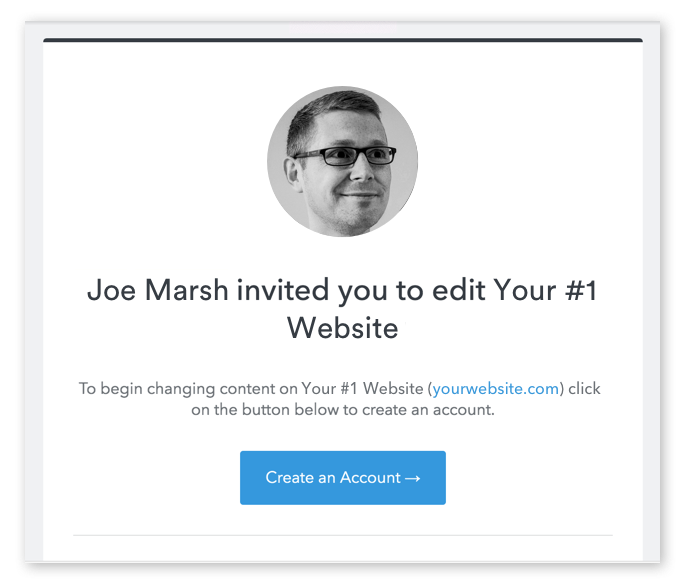
2.1 Die Einladung Du erhältst von uns eine E-Mail-Einladung zum Webflow CMS. Klicke auf den Button in der Mail, um dein Konto einzurichten.
Danach legst du dein Passwort fest und kannst dich jederzeit wieder anmelden.
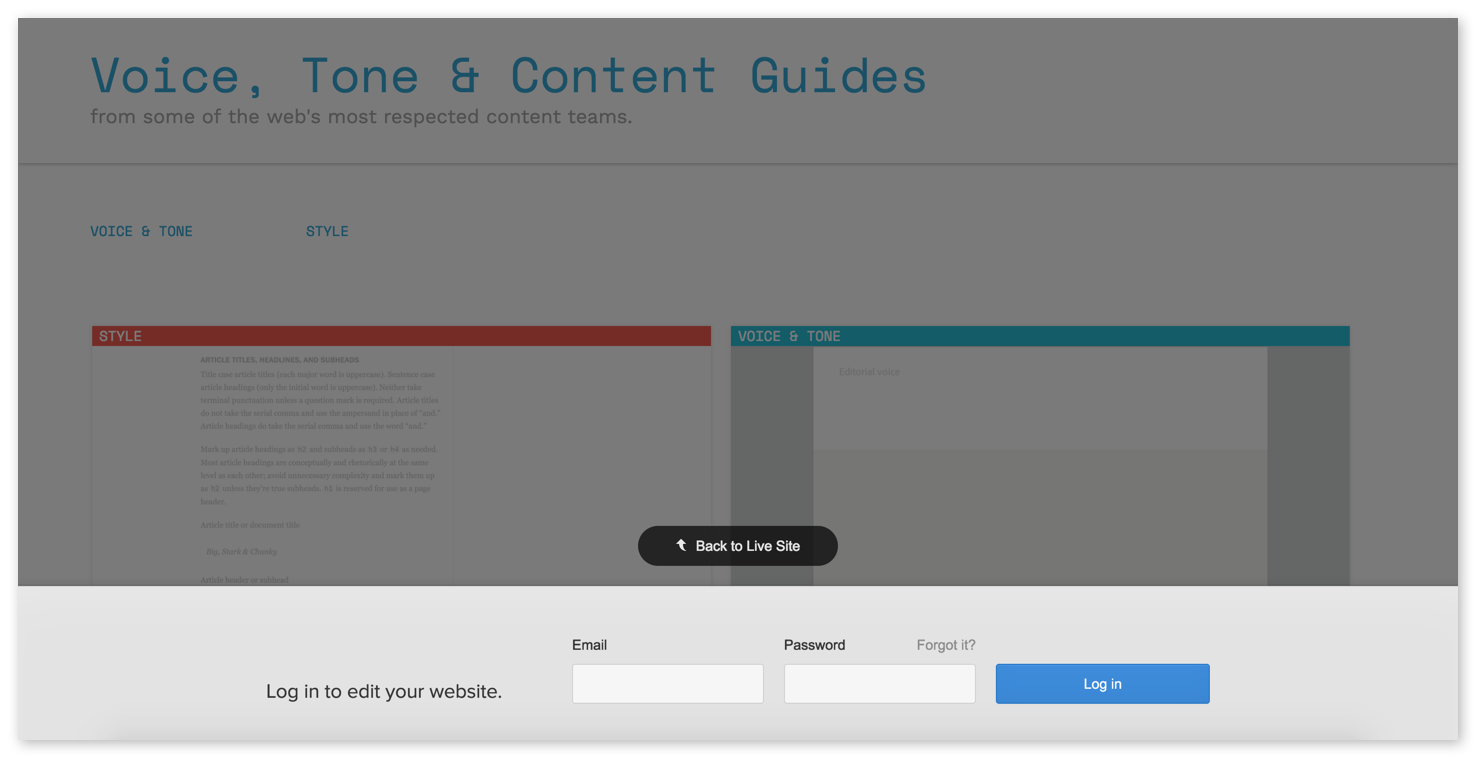
To log into your CMS later, just enter the email and password you defined when you first created your account.
Then, just fill in the required fields to create your account, and log in.
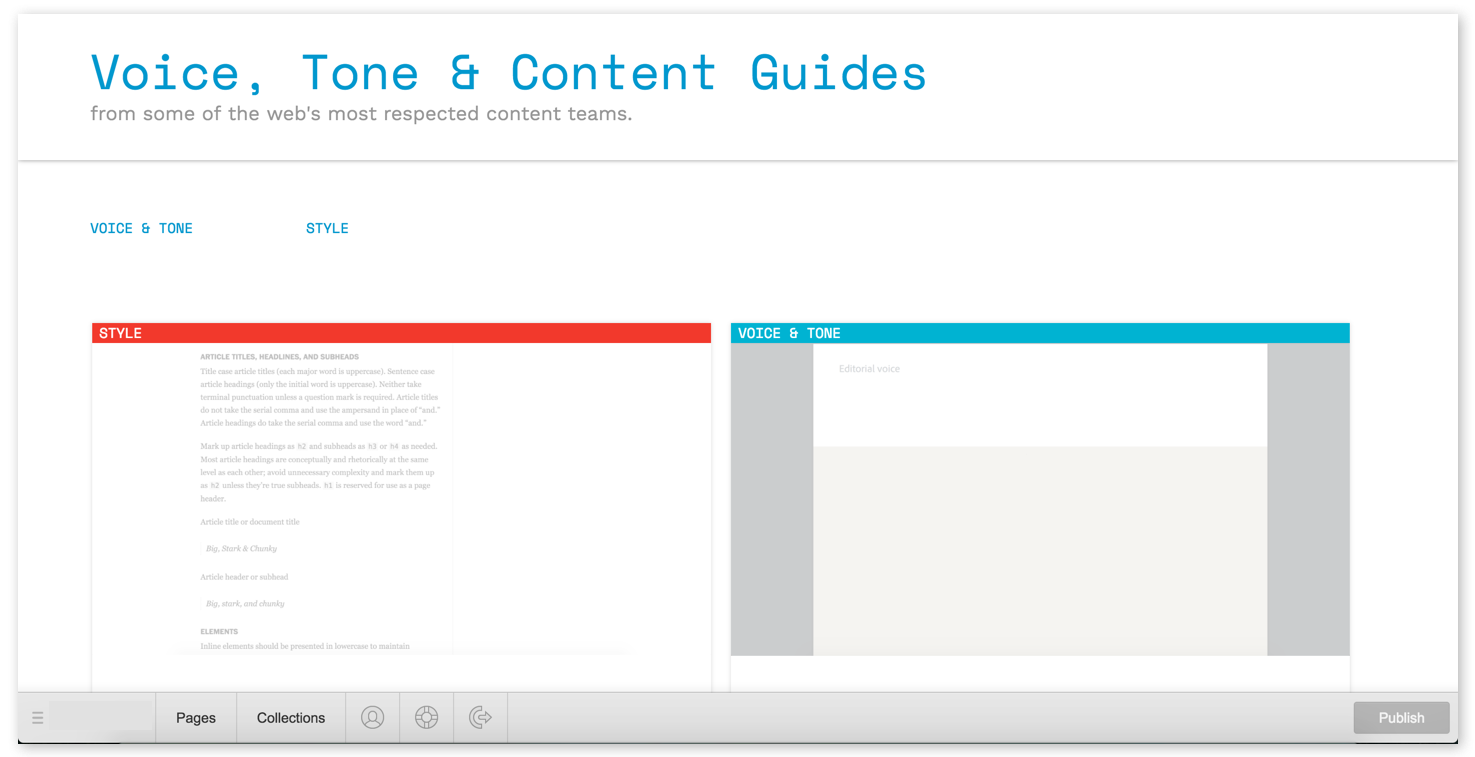
Once you're logged in, you'll see your website, but with a new bar along the bottom, where you can manage your pages and Collections.
Now, your content management system should look just like your website — except there’s a toolbar with two browser-like tabs labeled Pages and Collections, plus a series of icons. I'll explain all that below.
For now, take a moment to bookmark this page so you can easily return to it later. In most browsers, you can bookmark a page by holding Command/Control + B.
Otherwise, you can always return to your site’s content management system by simply typing the URL, then adding /?edit to the end.
So if your website’s URL is yourwebsite.com, just go to yourwebsite.com/?edit to log in and start editing.
When you return to your site later, you may see a little pencil icon in the lower right, which you can click to hop into your CMS. Rest assured that only those with access to the CMS will see this icon!
With the basics out of the way, let's dig into the CMS itself.
In the world of web design, CMS stands for content management system, and as the name suggests, it's a system for managing the content of your website.
CMSs were invented for two reasons:
To help "non-technical" people maintain their websites
To help everyone publish new content within a consistent design, anytime
What your CMS can do
Your CMS allows you to edit most any existing content on your website, including text (or "copy"), images, buttons, links, etc.
It also allows you to create some new pages and blog posts through Collections.
What your CMS can't do
If you need a new page on your site that doesn't fit one of your Collections, contact me!
Papier ist geduldig? Von wegen! Unsere Print- und Grafikdesign-Projekte sind alles andere als langweilig. Wir kreieren Designs, die sofort ins Auge springen und beim ersten Blick begeistern. Egal ob Flyer, Broschüren, Plakate oder Visitenkarten – wir sorgen dafür, dass eure Drucksachen genauso trendy sind wie eure digitalen Auftritte. Unsere Mission? Euer visuelles Erscheinungsbild auf das nächste Level zu bringen und dabei keine Kompromisse einzugehen. Von der ersten Skizze bis zum fertigen Druckprodukt begleiten wir euch auf jedem Schritt des Weges.